
Spelling Bee Genius1.0 - Get APK
You'll be able to download in few seconds.
Publisher Description
Spelling Bee Genius
* Do you have weekly spelling tests
* Do you need more practice on the Spelling etc...
This app lets you practice the spelling in a fun way.
*****************************************************************************************************
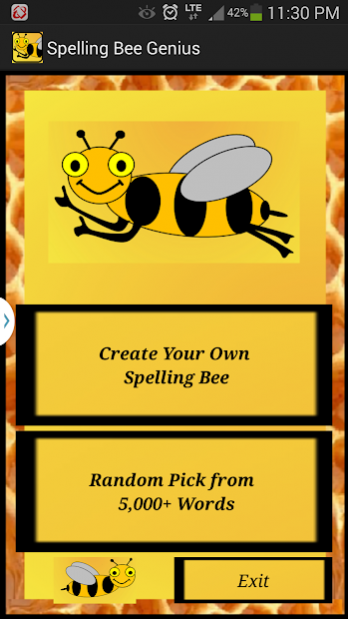
Option 1 - Create your own Spelling Bee - Add your own words to practice your spelling
*****************************************************************************************************
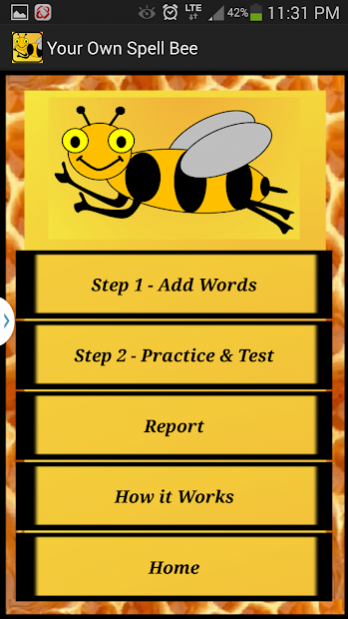
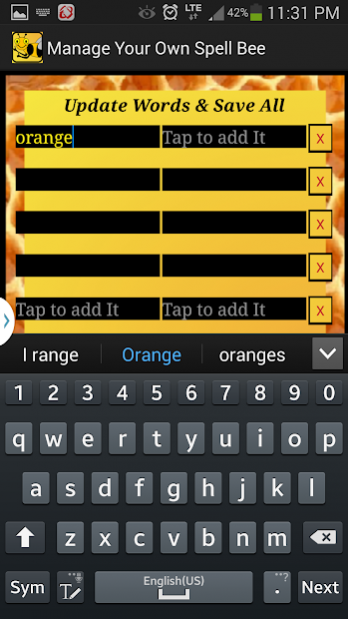
- Step 1 - Add Words
You can add up to 20 words to practice. Tap the text field to bring up the keyboard to type in. Click "Save All" after adding/editing the words.
- Step 2 - Practice & Test (Disabled by default and automatically get enabled after you add some words on step 1)
It will take you to the next screen where you can practice your words that you already added to the spelling bee genius application.
*****************************************************************************************
Option 2 - Random pick from over 5000 predefined words for the spelling bee
******************************************************************************************
- Short Bee - Tapping this button randomly pick 10 words with the length of 6 or less characters from the predefined dictionary and will take you to the next screen where you can Practice or do a Test.
- Long Bee - Tapping this button randomly pick 10 words with the length of 6 or More characters from the predefined dictionary and will take you to the next screen where you can Practice or do a Test.
- Random Bee - Tapping this button randomly pick 10 words from the predefined dictionary and will take you to the next screen where you can Practice or do a Test.
After the Practice / Test come back to the Pick a Bee screen to select one of the option Short Bee/Long Bee/Random Bee to refresh the words.
Option 1 and Option 2 will have the following Practice, Test & Report Features
> Practice with Spell It - For younger kids or someone who needs more assistance then choose this option to practice. each character you type it changes in colour either Green to show you that you are in the right track or Red to warn you. Once you find the correct spelling it will move to the next word. There is a Help button it can Spell the word by letter by letter for you if you need further assistance.
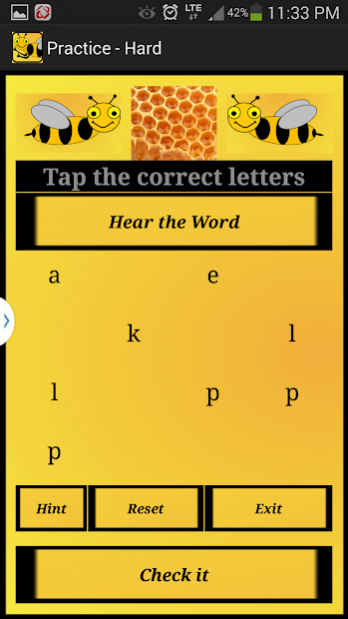
> Practice with Less Choice - Find the spelling and click "Check It" to verify the answer. If you have entered the correct spelling then it will move to the next question after you click check it. You can use Hint/Help and that will hide some of the letters for you.
> Start Spelling Test - No hints on the test. Complete the answers one by one and at the end the report will be generated with results. You need to complete the whole test to see the results.
> Progress Report - Report Contains the last Completed Test results for review.
- Make the device Vibrate for the incorrect answers
- If you can not hear loud enough then adjust the media Volume by going to Android System Settings->Device->Sound->Volume
About Spelling Bee Genius
The company that develops Spelling Bee Genius is Mathan. The latest version released by its developer is 1.0.
To install Spelling Bee Genius on your Android device, just click the green Continue To App button above to start the installation process. The app is listed on our website since 2014-06-24 and was downloaded 0 times. We have already checked if the download link is safe, however for your own protection we recommend that you scan the downloaded app with your antivirus. Your antivirus may detect the Spelling Bee Genius as malware as malware if the download link to com.ananiya.spellingbeegenius is broken.
How to install Spelling Bee Genius on your Android device:
- Click on the Continue To App button on our website. This will redirect you to Google Play.
- Once the Spelling Bee Genius is shown in the Google Play listing of your Android device, you can start its download and installation. Tap on the Install button located below the search bar and to the right of the app icon.
- A pop-up window with the permissions required by Spelling Bee Genius will be shown. Click on Accept to continue the process.
- Spelling Bee Genius will be downloaded onto your device, displaying a progress. Once the download completes, the installation will start and you'll get a notification after the installation is finished.
Program Details
System requirements
Download information
Pricing
Version History
version 1.0
posted on 2014-06-24
Add some sound effects for the Spelling Practice
Disclaimer
External Download
We do not host Spelling Bee Genius on our servers. We did not scan it for viruses, adware, spyware or other type of malware. This app is hosted by Galad and passed their terms and conditions to be listed there. We recommend caution when installing it.
The APK Download link for Spelling Bee Genius is provided to you by apps112.com without any warranties, representations or guarantees of any kind, so access it at your own risk.
If you have questions regarding this particular app contact the publisher directly. For questions about the functionalities of apps112.com contact us.
